Embedded dashboards
Publish charts and dashboards into your own product with short-lived, row-scoped embed tokens — revocable, rate-limited, and themeable per customer.
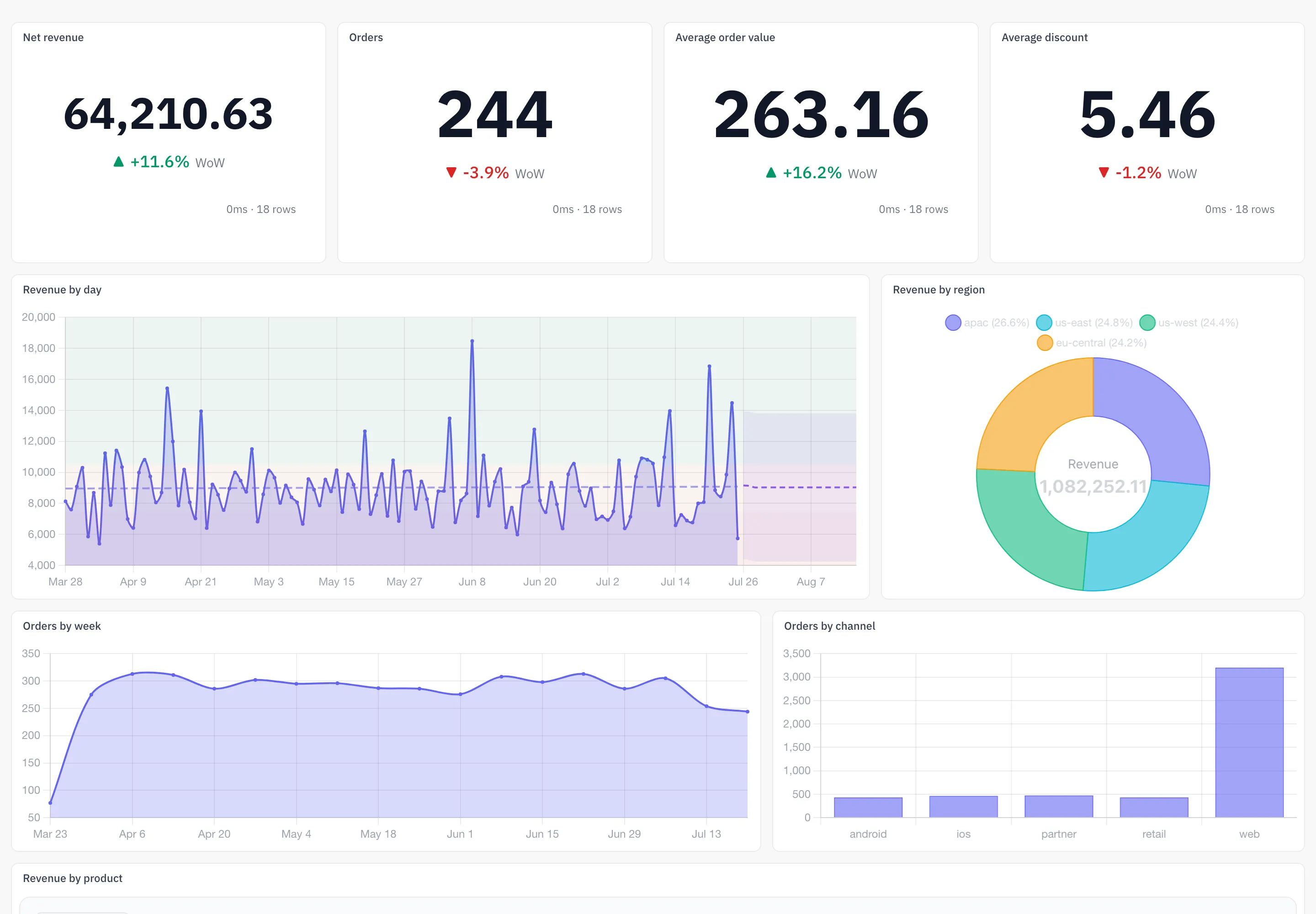
Embedded analytics puts an AZ-Five chart or dashboard inside your own product. An embed config defines what is published and under what rules; short-lived tokens are minted against it from the app; the viewer loads the embed with the token alone — no AZ-Five account, no app session, no cookie.
Create an embed config
An embed config is created per chart or per dashboard. Creating one requires manage access on the target — embedding publishes it outside the org, so it’s held to the highest bar.
The config carries everything that should not be decided per request: injected filters that pin rows for every token minted from it, allowed domains, the maximum token TTL, the rate limit, cache TTL, export and drill-down permissions, and theming. Configs can be disabled at any time — a disabled config refuses to mint new tokens.
Mint tokens
Tokens are minted from the embed configuration in the app, never from the browser: pick a TTL and any per-token claims and filters, and the app issues the signed token and the embed URL — that URL is what you place in your product (as an iframe src, for example) and hand to the viewer.
The token is a stateless signed JWT (HMAC-SHA256) — the config’s filters, theming, and limits are baked into it at mint time, so viewer requests verify without a database lookup. Its TTL is min(requested, config max, 30-day absolute ceiling). Every mint is recorded in the token log and audit-logged with its jti.
Scope rows per viewer
Row scoping is the point of the token. Filters reach an embed from three places — the config’s injected filters, per-token extra_filters at mint, and whatever the viewer picks at runtime — and they do not have equal power. The invariant:
Viewer-supplied runtime filters merge UNDER the token’s injected filters — a viewer’s filter choice can never widen scope beyond what the token grants; {{user.key}} template filters resolve from token claims and a filter referencing a missing claim is dropped fail-closed rather than served unscoped.
Concretely: a runtime filter targeting the same column as a token filter is silently dropped. And templates like {"column": "tenant_id", "value": "{{user.tenant_id}}"} resolve from user_claims at mint time and are baked into the JWT — there is no runtime template evaluation, so one embed config serves every customer, each behind their own claim.
Hiding the embed’s filter bar is a display choice only; it neither adds nor removes scope.
Theming & limits
Per config, the embed can look like your product:
| Option | What it does |
|---|---|
theme_override, custom_colors | Force a theme and palette |
custom_css | Arbitrary CSS applied to the embed |
logo_url | Your logo in place of the default |
font_family, font_url | Custom font |
hide_branding | Remove AZ-Five branding |
show_filter_bar | Show or hide the viewer filter bar (display-only) |
And per config, the embed is bounded:
| Limit | Default |
|---|---|
allowed_domains | None — set wildcard patterns matched against Origin/Referer; mismatches get 403 |
rate_limit_rpm | 600 requests per minute per token; excess gets 429 |
cache_ttl_seconds | 300 s result caching |
max_token_ttl_seconds | 86,400 s (1 day) per-config cap, under the 30-day absolute ceiling |
allow_exports | Off unless listed — controls the CSV export endpoints |
drill_config | Off unless configured — controls drill-to-rows on data points |
Revoke
Tokens expire on their own, but any token can be killed early by its jti from the config’s token log in the app. Revocation is checked on every viewer request and takes effect immediately; the revoked state is stored durably alongside the token log, and every revoke is audit-logged. Disabling the whole config stops new mints; revoking handles tokens already in the wild.
Reference
Viewer endpoints
| Endpoint | Purpose |
|---|---|
GET /api/embed/chart/{token} | Chart metadata |
POST /api/embed/chart/{token}/data | Chart data with runtime filters |
POST /api/embed/chart/{token}/drill | Drill to underlying rows (if allowed) |
POST /api/embed/chart/{token}/export/csv | CSV export (if allowed) |
GET /api/embed/dashboard/{token} | Dashboard metadata |
POST /api/embed/dashboard/{token}/chart/{chart_id}/data | Per-tile data |
Viewer endpoints authenticate with the embed token alone — no app session, no cookie; every request verifies the signature, expiry, revocation, domain, and rate limit before touching data.